

Turn a selfie into an animated dream
Dreams Animated takes one or two selfies and animates them into a short stylized clip. You describe the style, the scene and the motion, and it invents the movement.
Sign in at easylens.snapchat.com and open the Gen AI suite at /assets. Dreams Animated is the card that reads Turn one or two selfies into a stylized animated video, and Try Now opens it. There is a second way in at /dreams-animated, which puts the same two choices on a page of its own.
Read the header before you type anything. Dream It. Watch It Move. is what the tool does, and the line beside the icon is what it costs you: Average Processing Time: 1 minute.
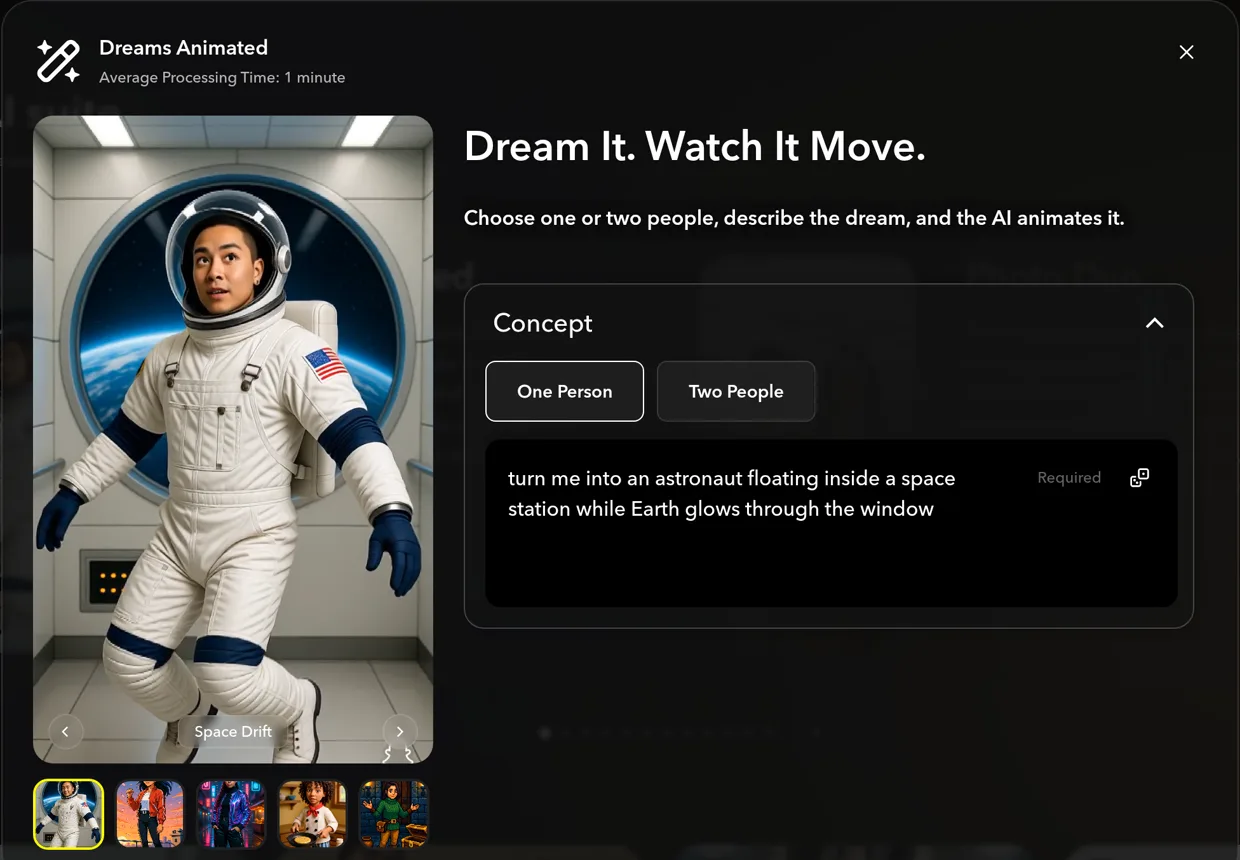
Pick One Person or Two People before you write anything, because the chip changes more than the wording. Each one builds with its own version of the tool and carries its own set of examples, so switching swaps the concept in the box for one from the other set.
Describe three things in the Concept box, not one. It asks you to Describe the style, scene, and motion of your dream, and the motion is the part people leave out: "turn me into a wizard whose spell lifts glowing autumn leaves into a spiral around me." This is the opposite of restyling a video, where you record the movement and AI repaints it. Here there is nothing to record, so if you do not describe the motion, nothing decides it but the model.
Borrow a concept if the blank box is the hard part. Tap any thumbnail under the preview and that example's concept loads into the box ready to edit, and the arrows either side of the preview step between them.
Read the line along the bottom before you build. It prints the sentence that actually gets sent, Create a Lens using Dreams Animated of… with your concept on the end, and it is also how you check the chip took: on Two People the same line reads Dreams Animated 2P. If that sentence does not describe the clip in your head, fix the concept rather than the Lens.

Tap Create My Lens, then change one thing per message. You do not have to get it first time, and a follow-up can be as large as you like: "make it the two of us as tango dancers in a vintage ballroom" is a whole new dream on the same Lens.
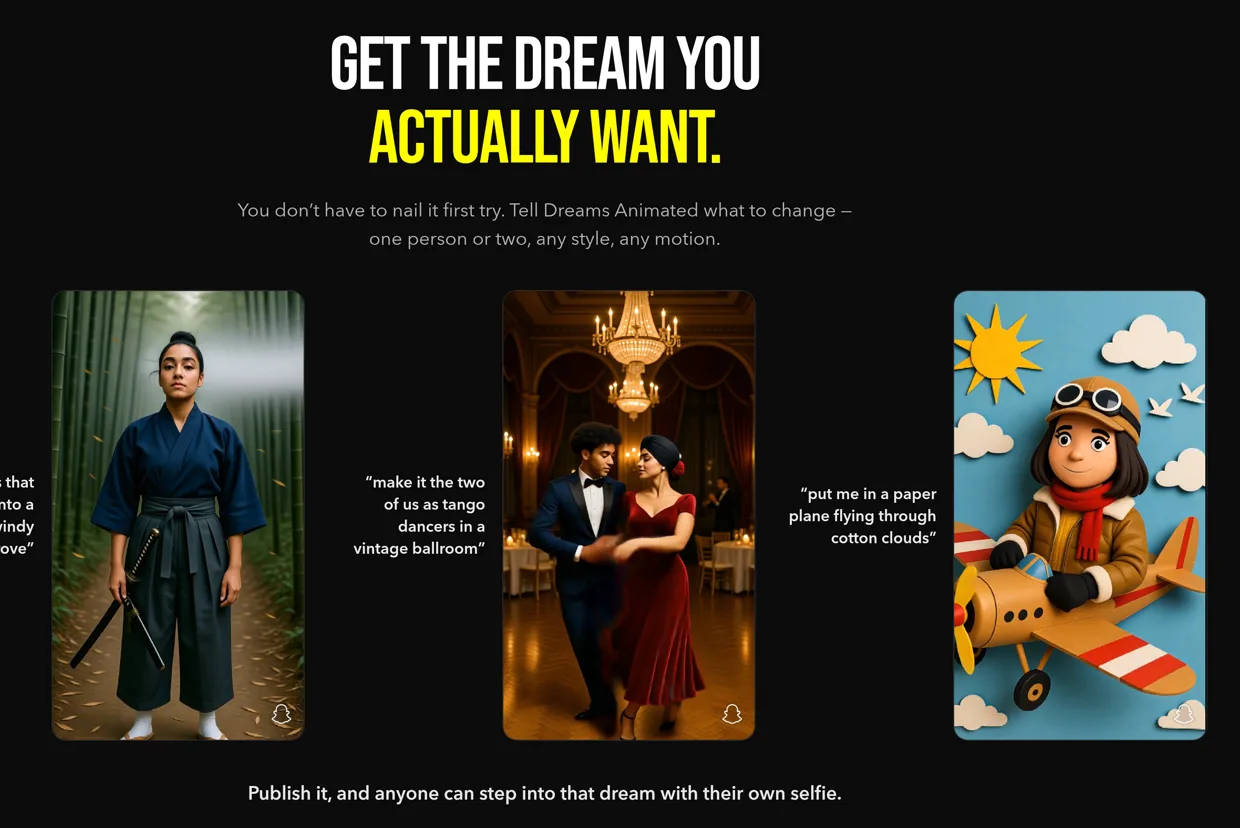
Tap Publish when you like it. Easy Lens writes a name, an icon and a description, and you can change all three before you submit for review. Once it is live, whoever opens it steps into the same dream with their own selfie rather than yours.
You have a Lens that animates one or two selfies into the scene you described, and you know to pick the chip before you write the concept.