

Get paid for the Lenses you publish
Lens+ Payouts is one switch on the publish screen. Here is what the switch does, what your earnings are actually counted on, and what you trade away when you turn it on.
Build and publish a Lens first. Lens+ Payouts is not a separate thing you make, it is a switch on a Lens you already have, and the loop on the payouts page is the three steps you already know: create, publish, get paid. If you have not published one yet, publish and share your Lens is that part.
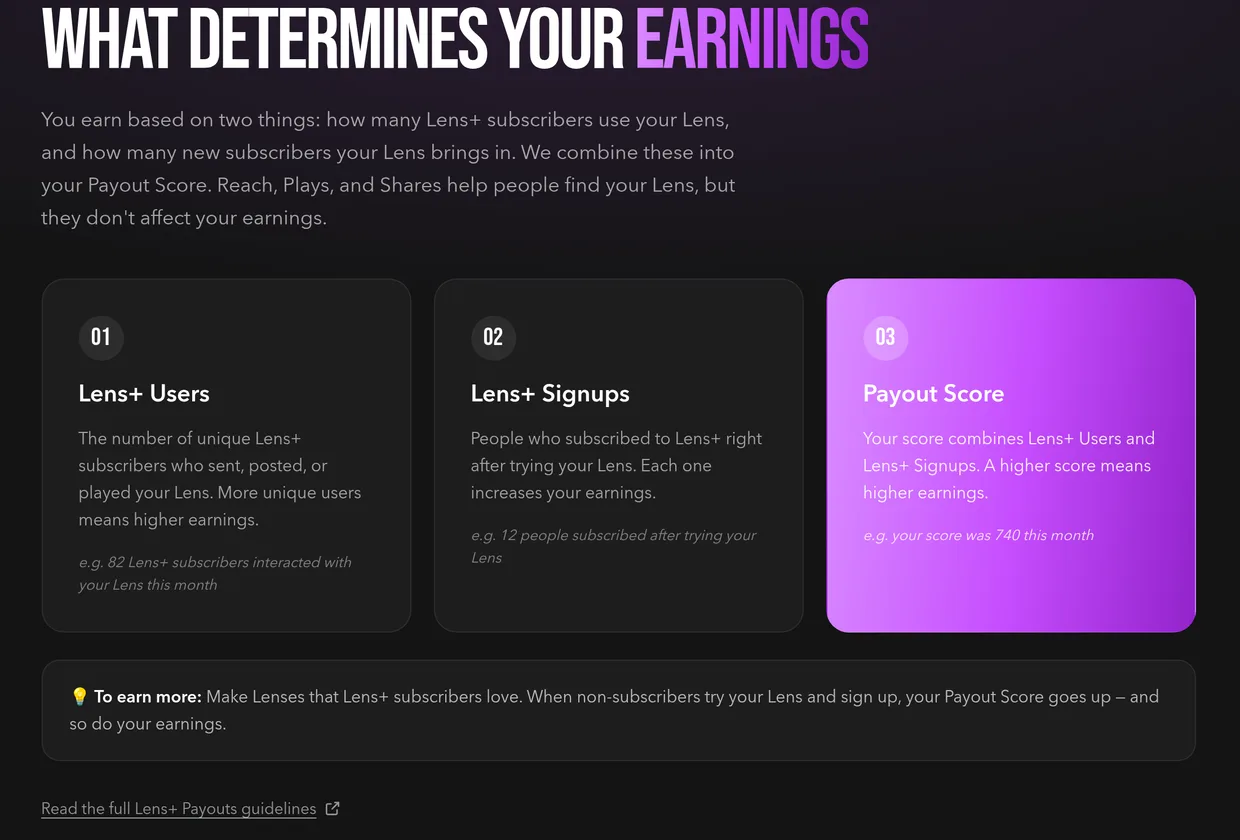
Read what actually earns before you plan the next one, because it is not the number you would reach for. Two things count: Lens+ Users, the unique Lens+ subscribers who sent, posted or played your Lens, and Lens+ Signups, the people who subscribed to Lens+ right after trying it. Those combine into your Payout Score. Reach, plays and shares help people find your Lens and they do not move your earnings at all.
Flip the switch when you publish. Lens+ Payouts sits with the other switches on the publish screen, under the line May be made Exclusive to Lens+ and Platinum subscribers and eligible to receive a payout, and turning it on is the whole of what makes a Lens eligible.
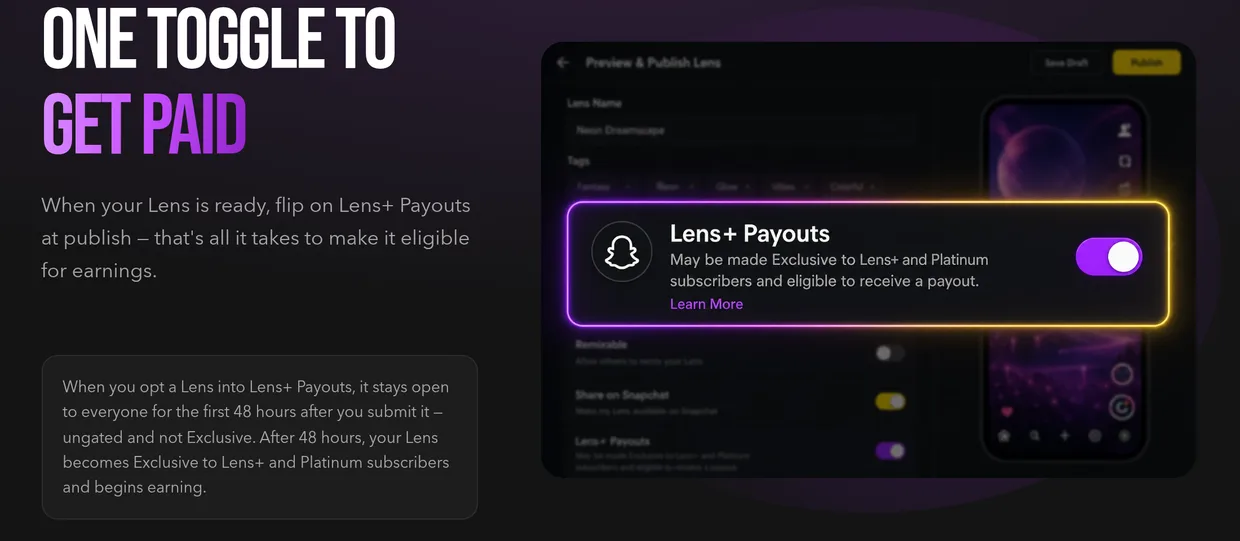
Know the trade before you flip it, because this is the decision and not a detail. A Lens you opt in stays open to everyone for the first 48 hours after you submit it, ungated and not Exclusive. After 48 hours it becomes Exclusive to Lens+ and Platinum subscribers, and it begins earning. You are buying earnings with reach.
Aim the Lens at the people who pay. The page says it plainly: make Lenses that Lens+ subscribers love, because a non-subscriber who tries your Lens and then signs up lifts your Payout Score twice, once as a signup and again as a subscriber using it.
Apply, then read the rules where they live. Apply now on the payouts page opens the Lens+ Payouts application form, and Read the full Lens+ Payouts guidelines on the same page goes to Snap's own developer documentation, which is where the programme terms are kept rather than here. You can get back to that page any time from the Get Paid for Your Lenses banner at the top of the home feed.

You know which switch makes a Lens eligible, what your Payout Score is counted on, and what changes for your Lens 48 hours after you submit it.