

Make a Lens that morphs a selfie into a dream
Morphing Dreams builds a Lens that starts on a selfie and morphs it, in one continuous shot, into a dream version of whoever took it. You describe who they become, and the tool puts the wait at a minute.
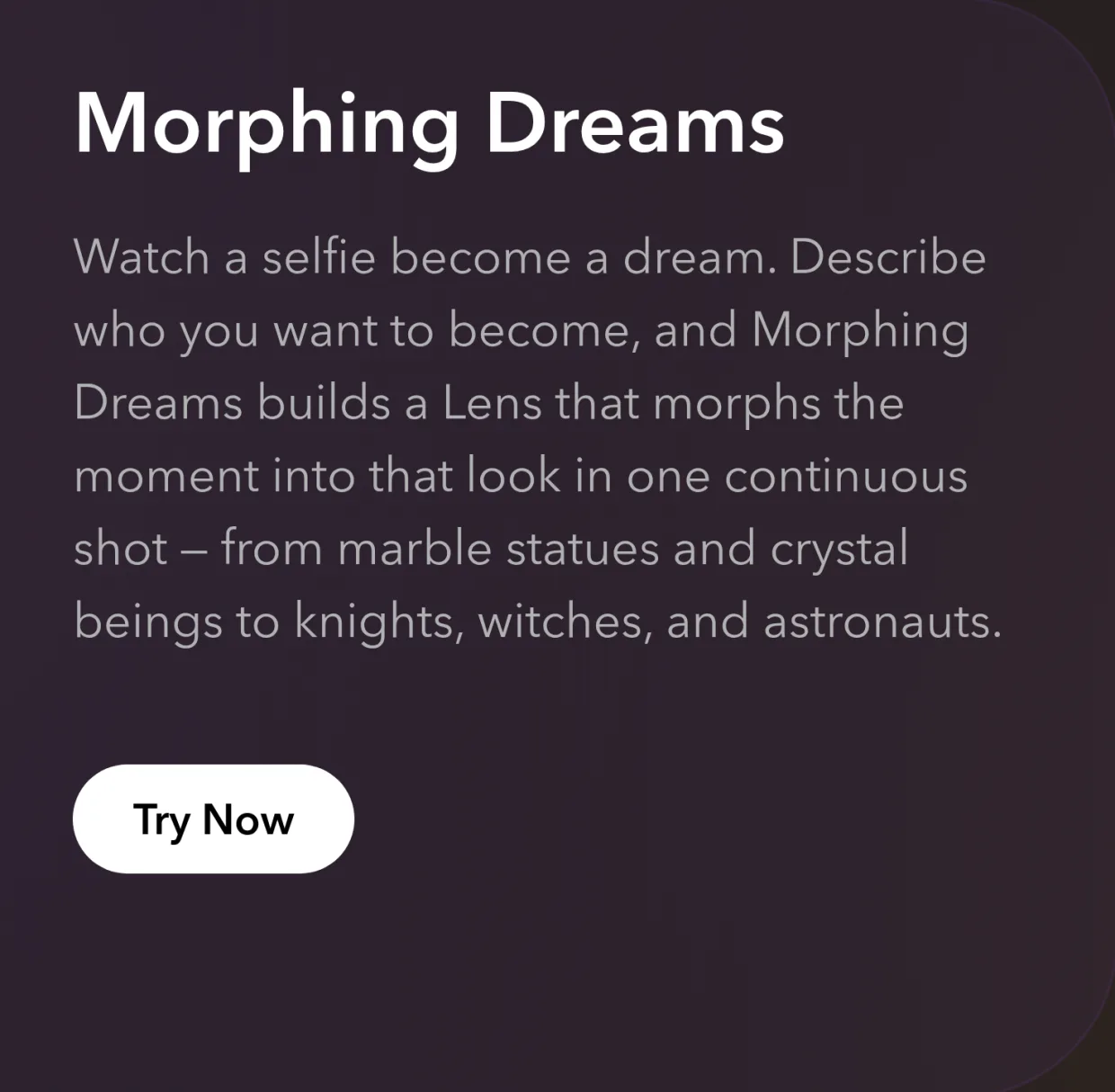
Sign in at easylens.snapchat.com and open the Gen AI suite at /assets. Morphing Dreams is the card that reads Watch a selfie become a dream. Describe who you want to become, and Morphing Dreams builds a Lens that morphs the moment into that look in one continuous shot. Try Now opens it. There is a second way in at /morphing-dreams, which has a box of its own, Describe your morphing dream.
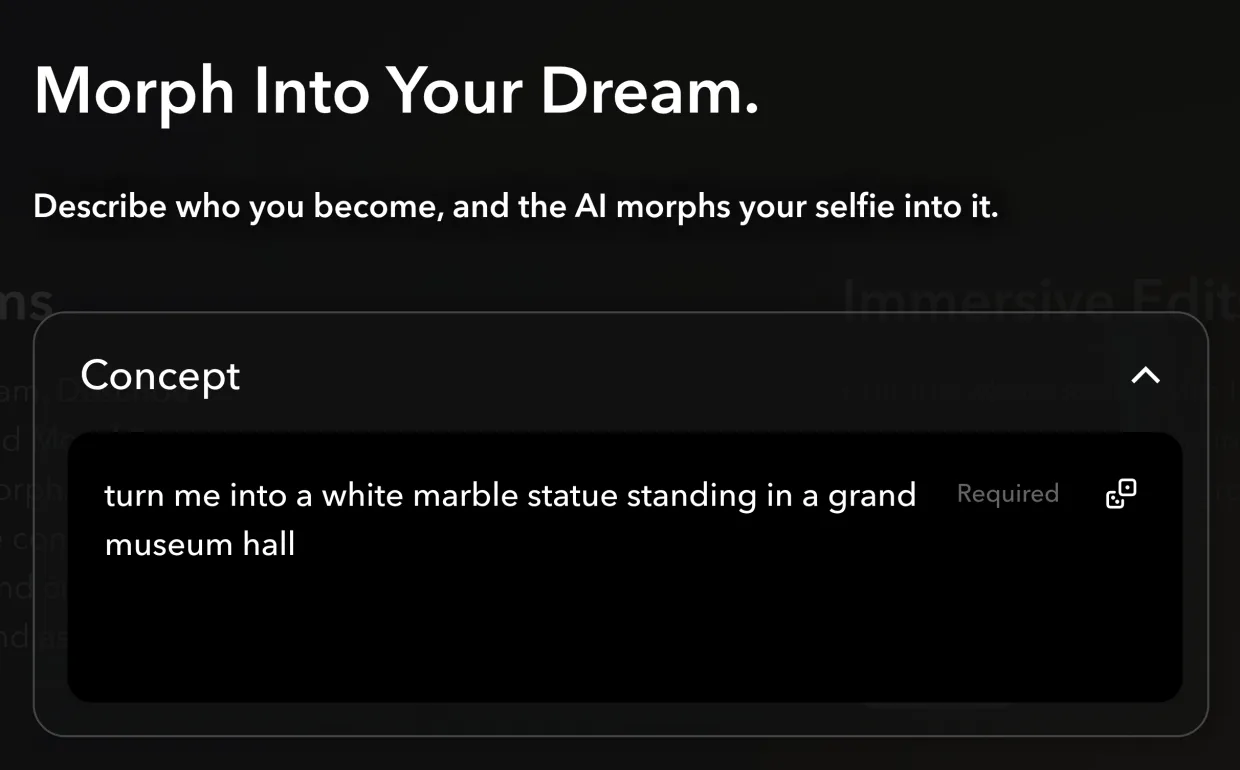
Read the header before you write anything. Average Processing Time: 1 minute is the wait, and the line under Morph Into Your Dream. says what you are making: Describe who you become, and the AI morphs your selfie into it.

Describe where the morph ends, not how it gets there. Concept is the one required field, and it asks you to Describe who or what you morph into, and the world around you: "turn me into a white marble statue standing in a grand museum hall." The tool makes every frame between the selfie and that look, which is the opposite of Animated FaceGen, where you write the transition yourself. An empty box greys out Create My Lens.
Pick a look far from the photo. The Dreams Morphing block the Lens is built on needs an end look clearly different from the selfie, so aim for the kind the card names: from marble statues and crystal beings to knights, witches, and astronauts.
Borrow a look if the blank box is the hard part. The box opens with an example already in it, and a different one each time you open the tool. Five sit under the preview and tapping one loads its words, the arrows either side of the preview step on past those five, and the dice in the corner of the box, Shuffle Concept, deals another.
Read the line along the bottom before you build. It prints the sentence that actually gets sent, Create a Lens using Dreams Morphing of… with your look on the end. Dreams Morphing is the name of the block, so that line is right rather than a mistake. If the sentence does not describe the look in your head, fix the Concept rather than the Lens.

Know what whoever opens the Lens gets. The clip starts on their own selfie and ends on their dream version of it, so you describe the dream once and everyone who opens the Lens morphs into it with their own face.
Tap Create My Lens when the line reads the way you meant it. From there it works like any other Lens, and make a beauty Lens in minutes walks through changing it one message at a time and publishing it.
You have a Morphing Dreams Lens that carries whoever opens it from their selfie into the look you described, and you know to describe where the morph ends rather than how it moves.